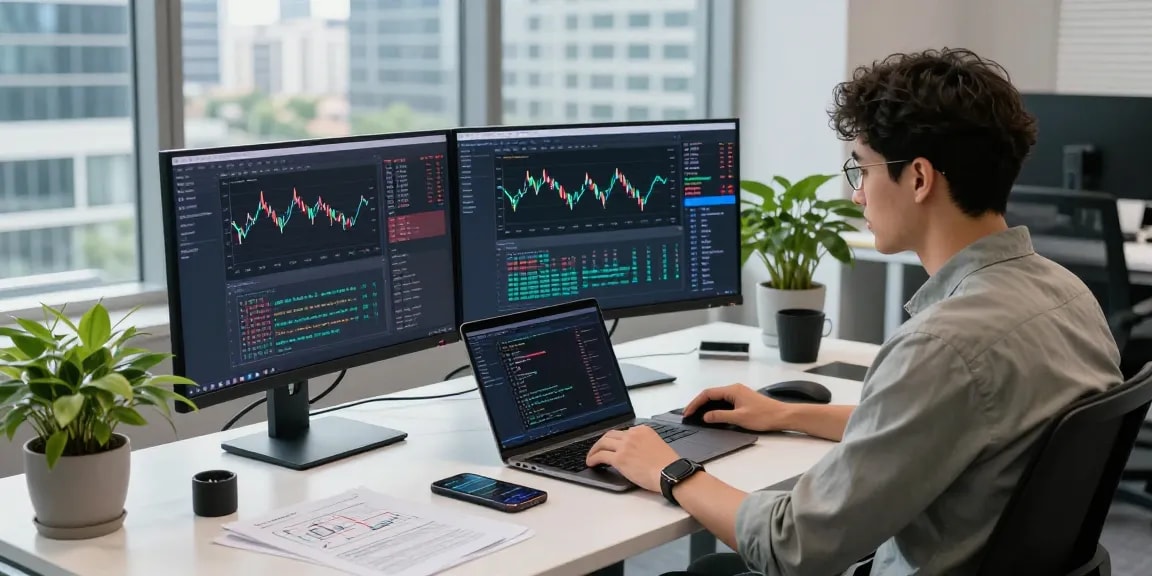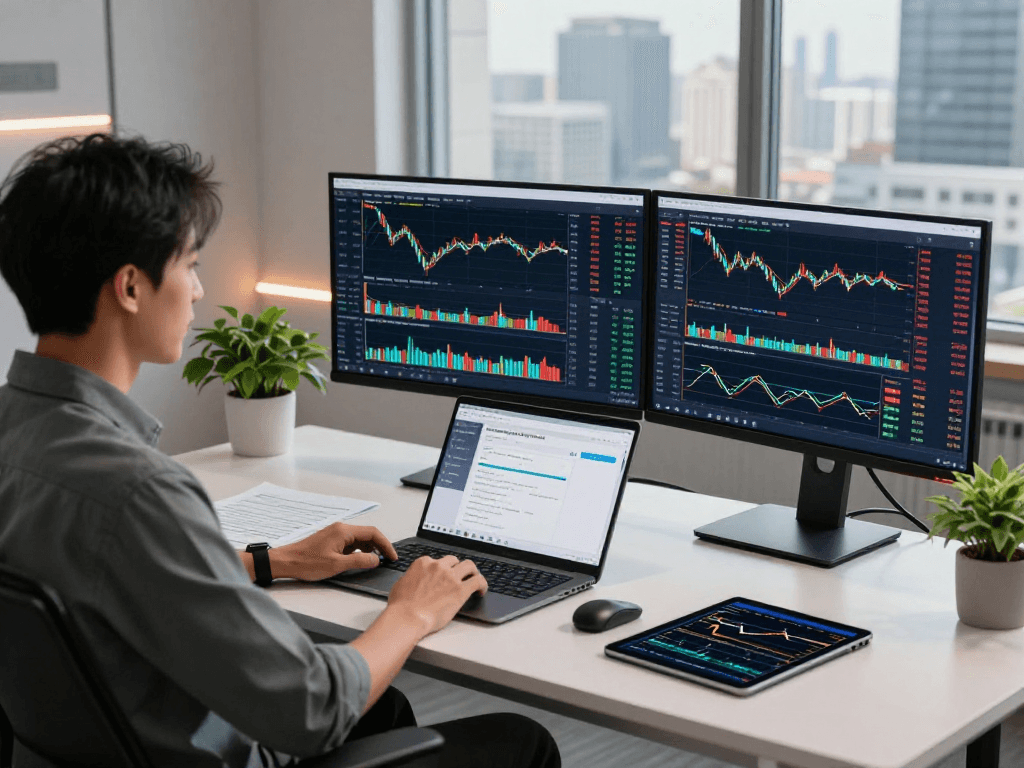
Overview of TradingView's Core Features
In today's fast-paced financial markets, having access to real-time data and powerful analysis tools is essential for traders. TradingView has emerged as a go-to platform for traders across various asset classes, offering comprehensive market insights, advanced charting capabilities, and real-time alerts. This article will explore the depth of TradingView's functionalities, how they enhance trading experiences, and why they stand out in a crowded market.
What Is TradingView and Its Market Scope?
TradingView is a web-based platform that provides a multitude of financial data, including stock prices, commodity quotes, and cryptocurrency metrics. Its extensive market coverage allows users to delve into both major and niche markets, including forex, indices, and digital currency. Since its launch, TradingView has garnered a robust community of traders and analysts who share ideas, trade setups, and analyses. This social aspect enhances the trading experience, making it not just a platform for market data, but a hub for collaborative learning and trading idea exchange.
Key Features: Charts, Alerts, and Market Analysis
At the heart of TradingView are its advanced charting features. Users can customize their charts with an array of indicators and drawing tools, facilitating in-depth technical analysis. Moreover, the platform supports multiple timeframes, allowing traders to analyze market trends from various perspectives. TradingView also offers alert functionality that notifies users of significant price movements or technical condition changes, reducing the need for constant monitoring. This combination of charting and alert features empowers traders to make informed decisions swiftly.
Cross-Platform Functionality: Accessing TradingView Anywhere
One of the standout features of TradingView is its cross-device compatibility. Whether you prefer using a desktop, tablet, or mobile device, TradingView ensures that your trading experience remains seamless. This versatility is particularly beneficial for active traders who may need to access charts and market data on the go. The platform’s cloud-based architecture syncs data and settings across all devices, enabling uninterrupted workflow and analysis.
Understanding Chart Analysis on TradingView
How to Customize Your Trading Charts
Customizing charts on TradingView is straightforward and intuitive. Users can select from various chart types, including candlestick, line, and bar charts, tailoring their view to align with personal preferences and trading strategies. Additionally, traders can overlay indicators, set up Fibonacci retracement levels, and draw trend lines directly on the charts. These customization features not only enhance user experience but also provide critical insights that can guide trading decisions.
Using Technical Indicators Effectively
TradingView supports a wide range of technical indicators, from simple moving averages to complex oscillators. Users can apply multiple indicators to a single chart, allowing for comprehensive market analysis. Understanding how to effectively utilize these indicators is crucial for successful trading. For example, combining the Relative Strength Index (RSI) with moving averages can help identify potential entry and exit points in trending markets.
Interpreting Market Trends and Signals
Interpreting market trends on TradingView involves analyzing price patterns and signals generated by technical indicators. Traders should familiarize themselves with common chart patterns, such as head and shoulders or double tops, which can indicate potential reversals. Additionally, understanding candlestick formations can provide insight into market psychology, further enhancing decision-making processes.
Setting Up Alerts: Maximizing Efficiency
Types of Alerts Available on TradingView
TradingView offers various alert types to cater to different trading styles. Users can set price alerts to be notified when an asset reaches a specified price level. Additionally, technical alerts can be configured to trigger based on specific indicator thresholds. This flexibility allows traders to manage their portfolios actively without being glued to their screens all day.
Configuring Alerts for Price and Technical Conditions
Configuration of alerts on TradingView is user-friendly. Traders can specify parameters for price alerts, such as crossing above or below a certain level, or when technical indicators meet predefined conditions. For instance, a trader might want to set an alert if the 50-day moving average crosses above the 200-day moving average, signaling a potential buy opportunity.
Leveraging Alerts to Improve Trade Decisions
Alerts are invaluable for traders who need to act swiftly on market conditions. By receiving notifications directly to their devices, traders can capitalize on opportunities without the risk of missing significant movements. This feature is particularly beneficial in volatile markets where prices can fluctuate rapidly, allowing for timely entry and exit points that can enhance profitability.
Comparative Analysis: TradingView vs. Competitors
What Sets TradingView Apart from Other Platforms?
While several trading platforms offer charting and analysis tools, TradingView stands out due to its user-friendly interface and extensive community features. Unlike many competitors, TradingView integrates social networking elements, enabling users to share insights and strategies directly within the platform. This community engagement creates a richer experience for traders, who can learn from shared analyses and varying perspectives on market movements.
Cost Analysis: Free vs. Paid Plans
TradingView offers several subscription options, including a robust free tier. While the free plan provides access to essential features, premium plans unlock more advanced functionalities, including additional chart layouts, more alerts, and advanced technical indicators. Users should evaluate their trading frequency and needs to determine which plan aligns best with their trading strategies.
User Feedback: Pros and Cons from the Trading Community
User feedback often highlights TradingView's powerful charting tools and community features as major strengths. However, some users express concerns regarding the learning curve for new traders unfamiliar with technical analysis. Nevertheless, the wealth of resources available, including tutorials and community support, mitigates this challenge, enabling users to become proficient over time.
Future Trends and Innovations in Trading Technology
Anticipated Features in TradingView for 2026
As the trading landscape evolves, TradingView continues to innovate. Expected advancements include enhanced integration with artificial intelligence, providing more personalized trading insights and predictions. Additionally, improvements in real-time data analytics could empower traders to make even swifter decisions based on updated market information.
Impact of AI and Machine Learning on Trading Strategies
The integration of AI and machine learning into trading platforms is set to revolutionize how traders approach the market. These technologies can analyze vast amounts of data to identify patterns and suggest trading strategies based on historical performance. TradingView is likely to adopt these innovations, enhancing its analytical capabilities and helping traders refine their strategies with data-backed recommendations.
Preparing for the Future: Adapting to Market Changes
As we move towards 2026, it is crucial for traders to remain adaptable. Markets are continuously changing due to geopolitical events, economic shifts, and technological advancements. Traders should prioritize continuous learning and remain informed about emerging trends and tools available on platforms like TradingView to stay competitive in their trading strategies.
What are the main benefits of using TradingView?
TradingView provides numerous benefits, including access to a broad spectrum of market data, advanced charting functionalities, and community interaction. The ability to customize charts and set alerts ensures traders can manage their portfolios efficiently, making it a versatile tool for both novice and experienced traders.
How does TradingView ensure user data security?
Data security is a priority for TradingView. The platform employs strong encryption methods and adheres to privacy regulations to protect user information. Additionally, users can enable two-factor authentication for added security, ensuring their accounts remain safe from unauthorized access.
Can I access TradingView on multiple devices?
Yes, TradingView is designed for cross-platform accessibility. Users can access their accounts and view charts seamlessly on any device, whether it's a desktop, tablet, or smartphone. This flexibility is particularly beneficial for traders on the move, allowing them to stay connected with the markets wherever they are.
What are common challenges when using TradingView?
While TradingView is robust, some users may face challenges, such as the complexity of advanced features or the overwhelming amount of available data. New users may benefit from taking time to familiarize themselves with the platform and utilizing provided resources, including tutorials and guides, to enhance their trading experience.
What resources are available for new users of TradingView?
New users of TradingView can access a variety of resources, including comprehensive guides, video tutorials, and community forums. These resources provide valuable insights into using the platform effectively and mastering technical analysis tools, ultimately helping new traders to develop their strategies and skills.